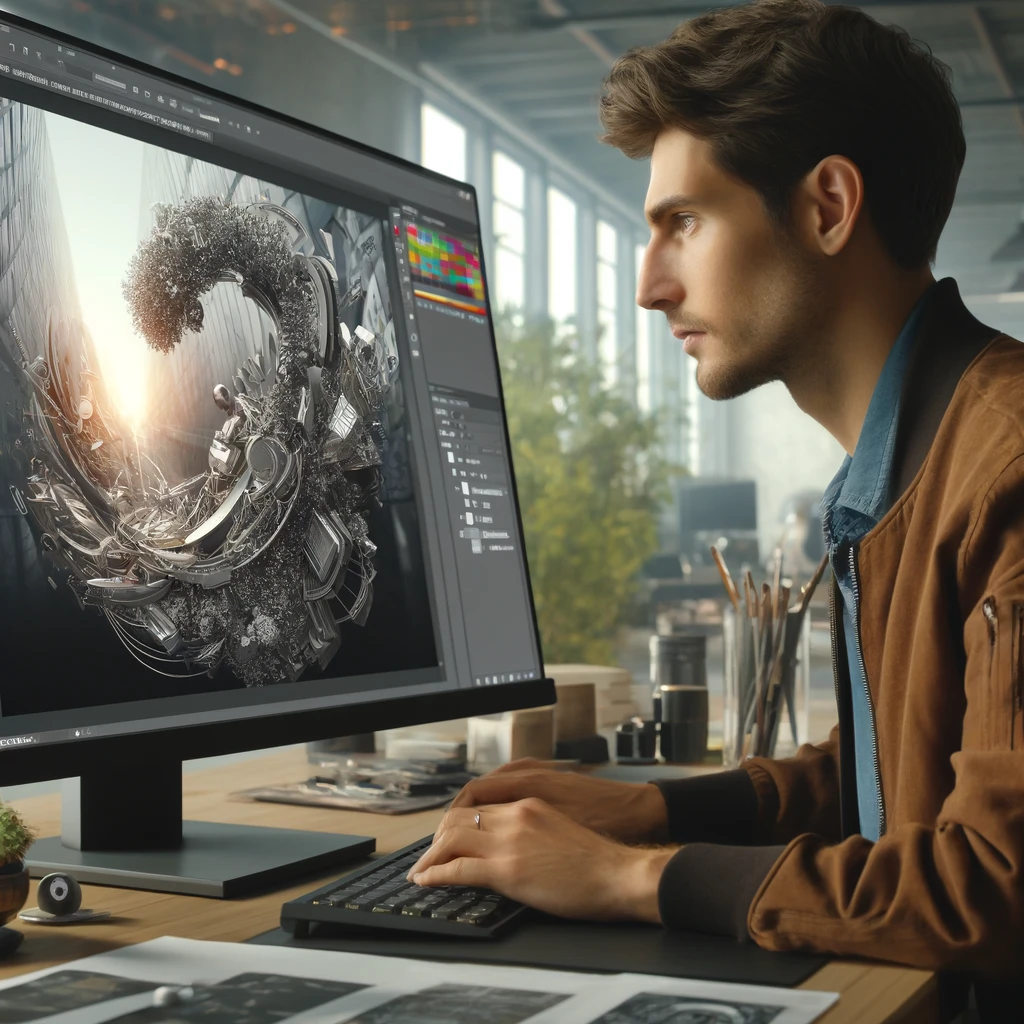
Texture Tales: Adding Depth with Materials
Textures in design are powerful silent storytellers, adding depth, character, and emotion to every creation. 3D Adobe Illustrator opens up endless creative opportunities when manipulating textures and materials allowing designers to give their projects either lifelike realism or surreal fantasy elements.
Adobe Illustrator textures go beyond aesthetic embellishment: they elicit tactile sensations that provoke emotional responses in viewers. From rough, weathered stone surfaces to the reflective surface of polished metals, Adobe Illustrator provides all the tools to bring these desired textures to life.
Understanding Material Attributes:
Before diving into textures, it's essential to have an understanding of materials and their attributes in 3D Adobe Illustrator. Materials contain properties like color, reflectivity, roughness, and transparency which determine how light interacts with an object's surface and thus determine its appearance.
Refracting light differently, glossy materials reflect light in distinct ways than matte ones and therefore produce different visual effects. By manipulating these characteristics, designers can achieve various surface finishes from smooth and shiny to rough and dull that add depth and complexity to their designs.
Investigate Texture Libraries:
Adobe Illustrator features an expansive library of built-in textures and materials, while designers also enjoy creating customized textures to meet specific design requirements. From copying natural phenomena like snowflake patterns or producing futuristic surfaces from their imagination - Adobe Illustrator provides all of the tools to realize your vision!
Adobe offers an abundance of textures and materials as a source of creative inspiration, providing pre-made assets to enhance your designs ranging from organic textures such as wood grains and foliage to industrial materials like brushed metal and concrete; there are literally limitless opportunities.
Crafting Realism through Texture Mapping:
Texture mapping, or texture augmentation, refers to the process of applying 2D textures onto 3D objects to simulate surface details and heighten realism. Adobe Illustrator makes texture mapping an intuitive experience that enables designers to precisely position and scale textures onto their 3D models effortlessly.
Texture mapping empowers designers to add intricate surface patterns, simulate wear-and-tear effects or conjure specific environmental conditions into their creations - be they architectural renderings, product prototypes or character models. Texture mapping has the power to give any object added authenticity and narrative depth!
Pushing Creative Limits:
As technology develops, so too do Adobe Illustrator's capabilities. Each new iteration from Adobe pushes beyond what was possible before, giving designers access to unexplored realms of creativity and expression.
Looking forward, Adobe Illustrator promises even greater advancements in texture rendering with enhanced realism, interactivity, and efficiency. From procedural texture generation to real-time material editing - texture design in Adobe Illustrator offers endless potential and is eagerly waiting for its next wave of visionary creators who push the boundaries of imagination!
Textures play a central role in elevating the visual impact of 3D designs by injecting depth, personality, and emotion into them. With Adobe Illustrator as your creative toolbox, textures enable you to craft immersive worlds, weaving compelling stories, and leaving lasting impressions upon audiences. So take an adventurous leap into texture exploration - experiment fearlessly and let your imagination run wild!